the enrollment composer
build a child's plan in a few steps, optionally starting from a pre-defined journey template
What it means
Build a child's plan in a few steps, optionally starting from a pre-defined journey template.
Step by step
-
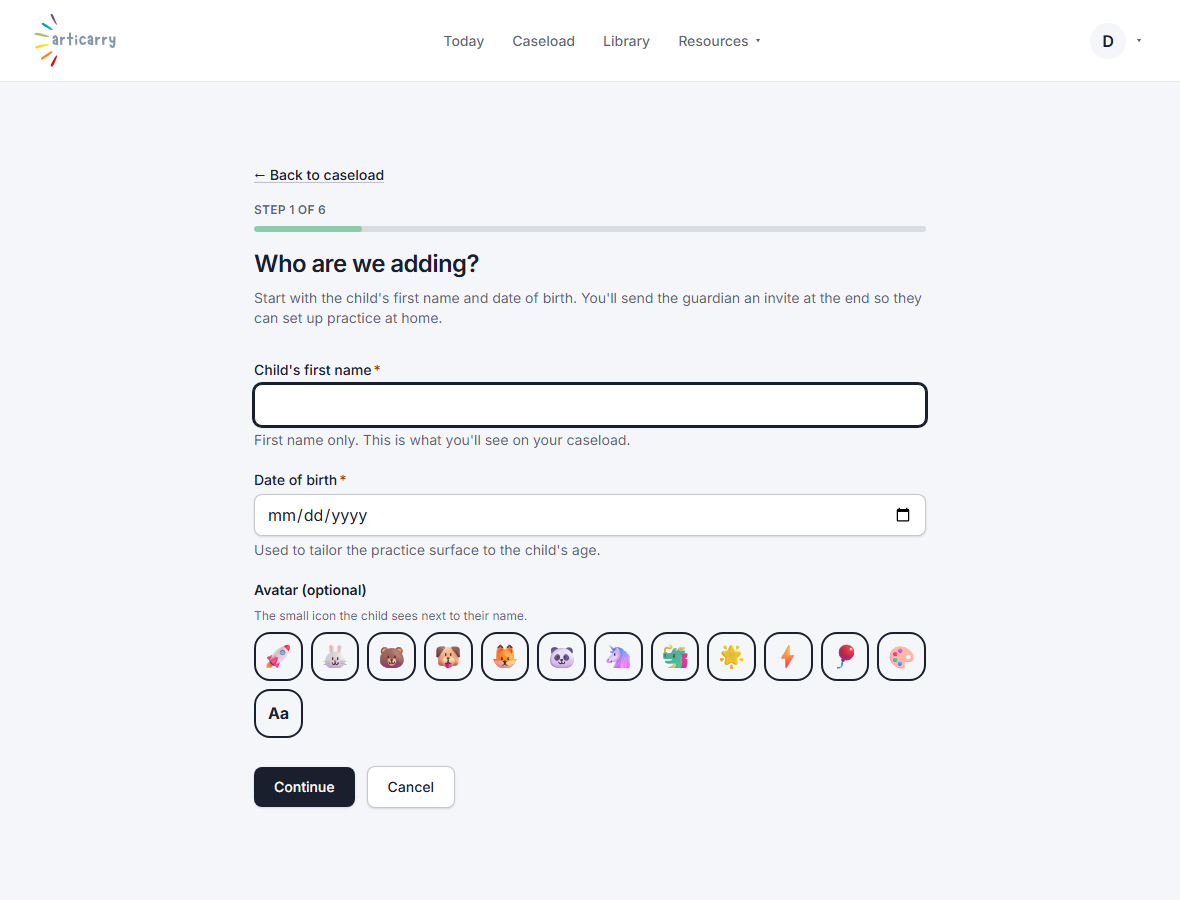
Choose “Add a child” and walk the steps: the child, their sounds, your approach, and the plan. Optionally start from a pre-defined journey template. Submit to send the guardian an invite.
How to do it
Choose “Add a child,” then walk the steps (child, sounds, approach, plan review) and submit to send the guardian an invite.