the progress letter
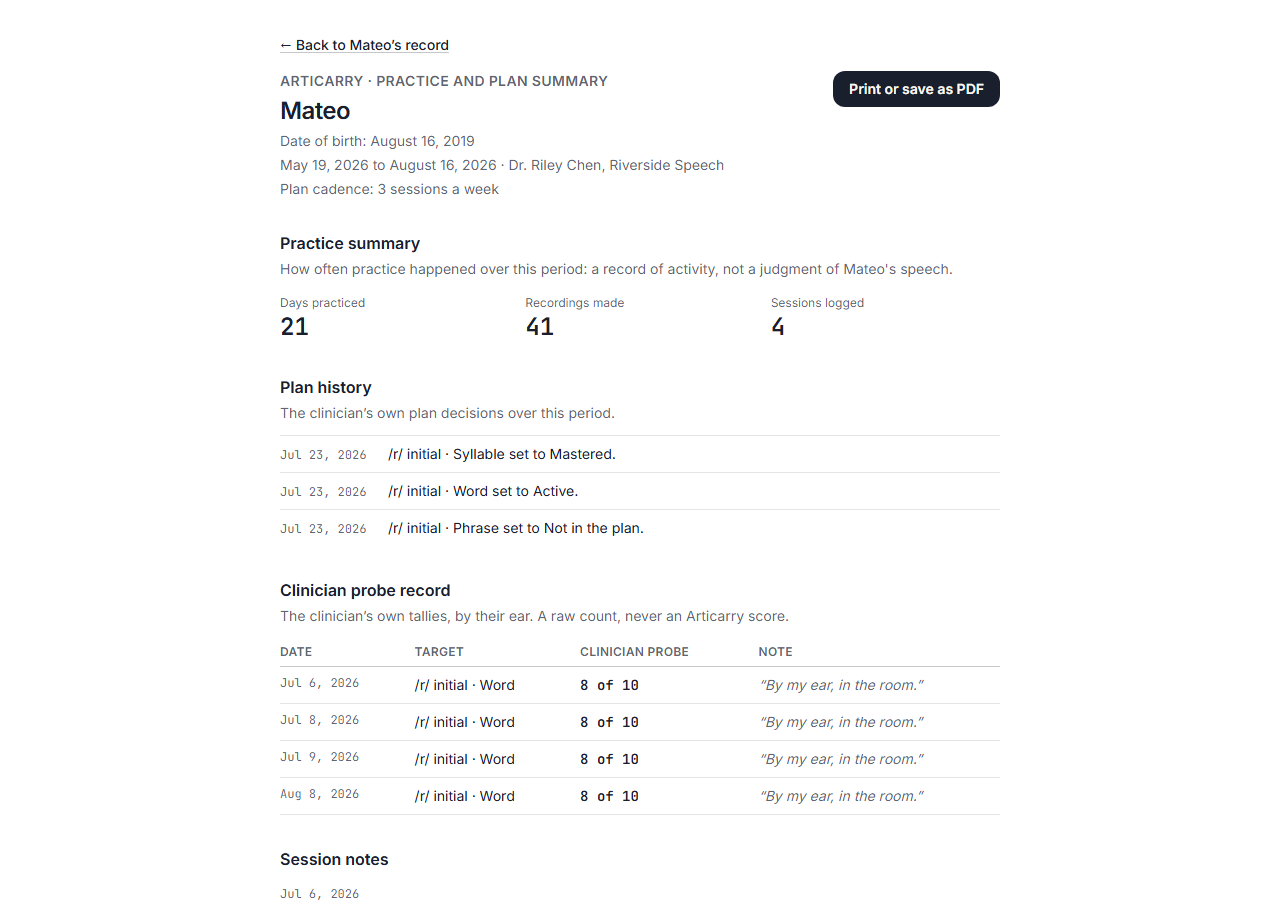
a print-to-PDF letter built from the clinician's records: her plan history, her probes, the at-home practice counts; nothing the scoring engine produced
What it means
A print-to-PDF letter built from your records: the plan history, your probes, and the at-home practice counts.
Step by step
-
Open a child's progress view and choose the progress letter, then print it or save it as a PDF. It carries the practice counts and your own decisions and tallies, nothing the scoring engine produced.
How to do it
Open a child's progress view and choose the progress letter, then print to PDF. It carries your records only: nothing the scoring engine produced.