the planning map
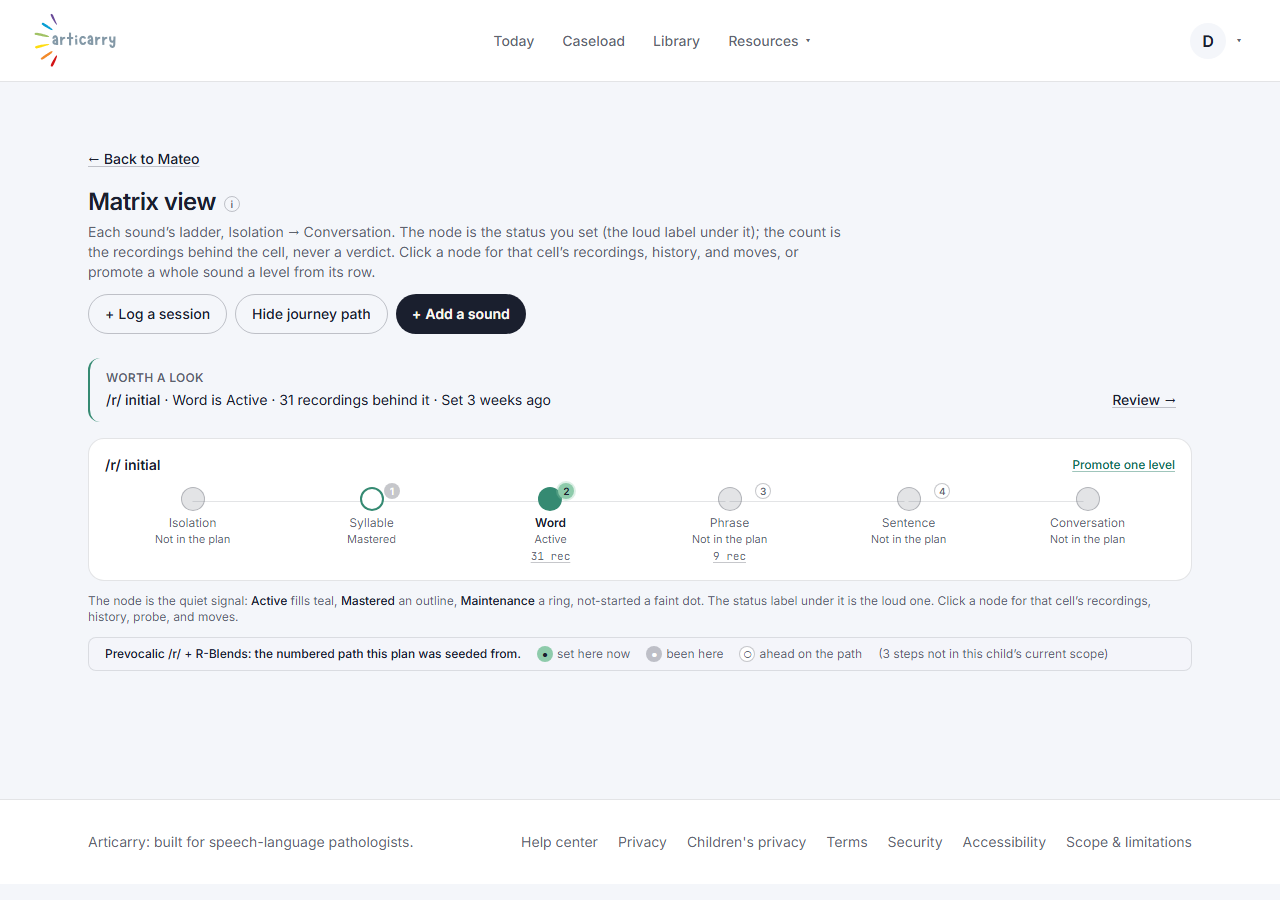
the per-child sound-by-level grid: the recordings behind each cell, the journey's intended next step, and the move itself one click away
What it means
A sound-by-level grid for one child: what you set on each cell, the recordings behind it, and the next step the journey intended.
Step by step
-
Open a child and choose the planning map: each sound is a ladder from Isolation to Conversation, with the status you set on each node. Click a node's count to hear the recordings behind that cell; use the move actions to advance a level.
How to do it
Open a child and choose the planning map. Click a cell's count to hear the recordings; use the move actions to advance a level.