the session-prep brief
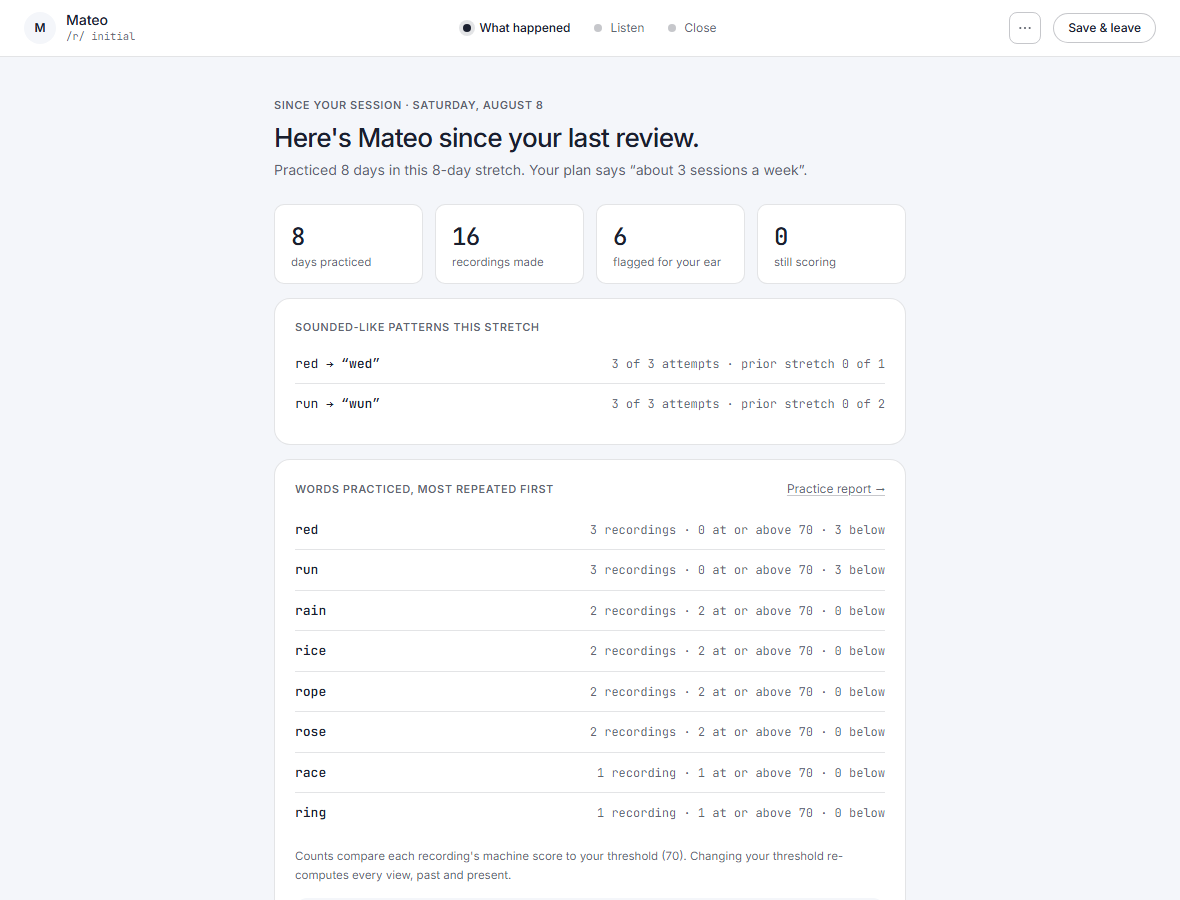
the opening of the review flow: what changed since your last review, the words worth your ear first, queued to play, then a two-pane listen and a one-move close
What it means
The opening step of the review flow: what changed since your last review, the words worth your ear, the sounded-like patterns, and one next move to close on.
Step by step
-
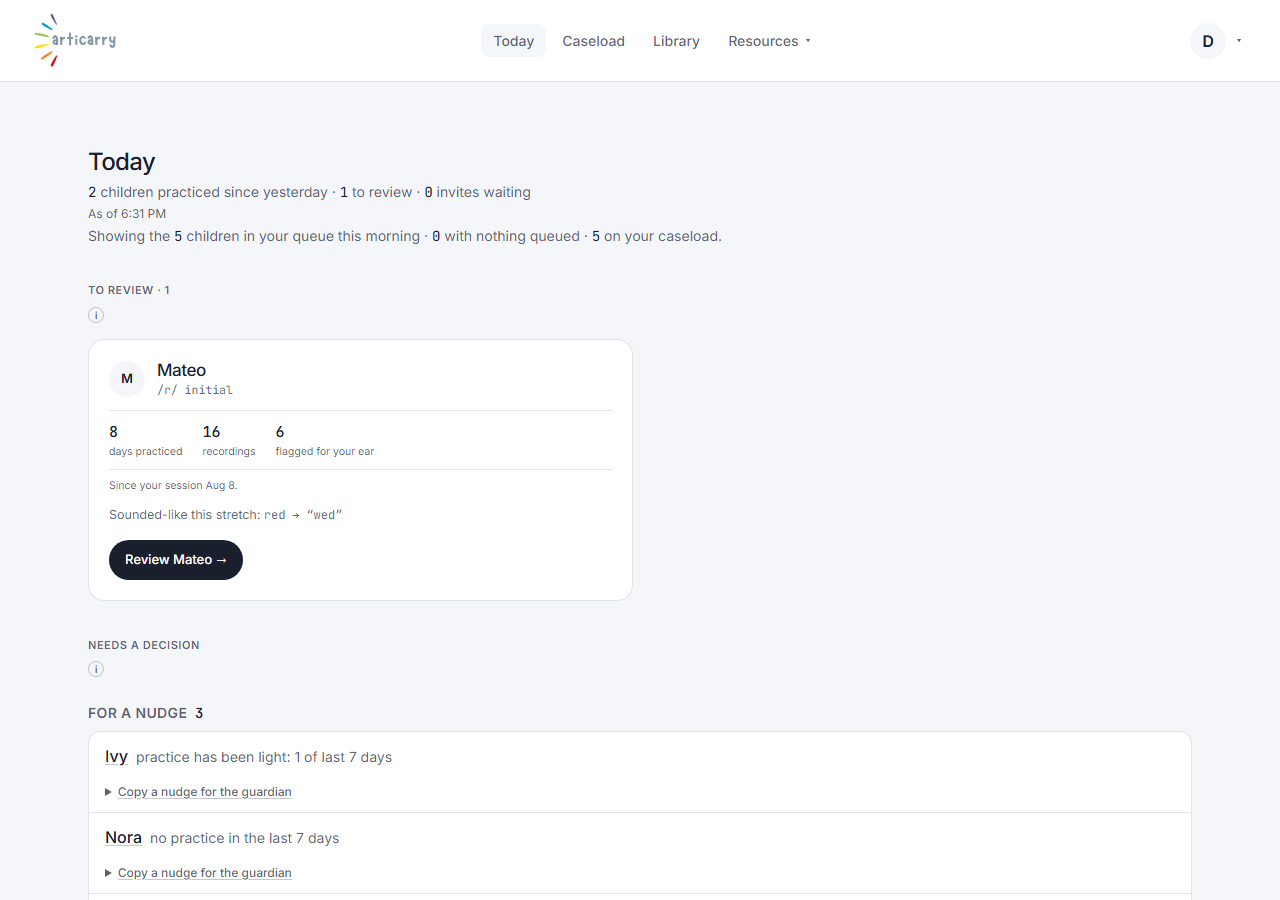
From Today or the caseload, choose “Review” next to a child.
-
Step one opens with what changed since your last review, the words worth your ear first, queued to play. Listen, then close with one next move.
How to do it
From Today or the caseload, choose “Review” next to a child. Step one leads with the flagged words queued to play; listen, then close with one next move.