the after-session log
a short form to record that an in-person session happened and the clinician's own per-cell tally from it, typed by her, never derived
What it means
A short form to record that an in-person session happened and your own per-cell tally from it, typed by you, never derived.
Step by step
-
Open a child's progress view and choose “Log a session”. Enter the date and, for any cell you probed, your own count. It is typed by you, never derived.
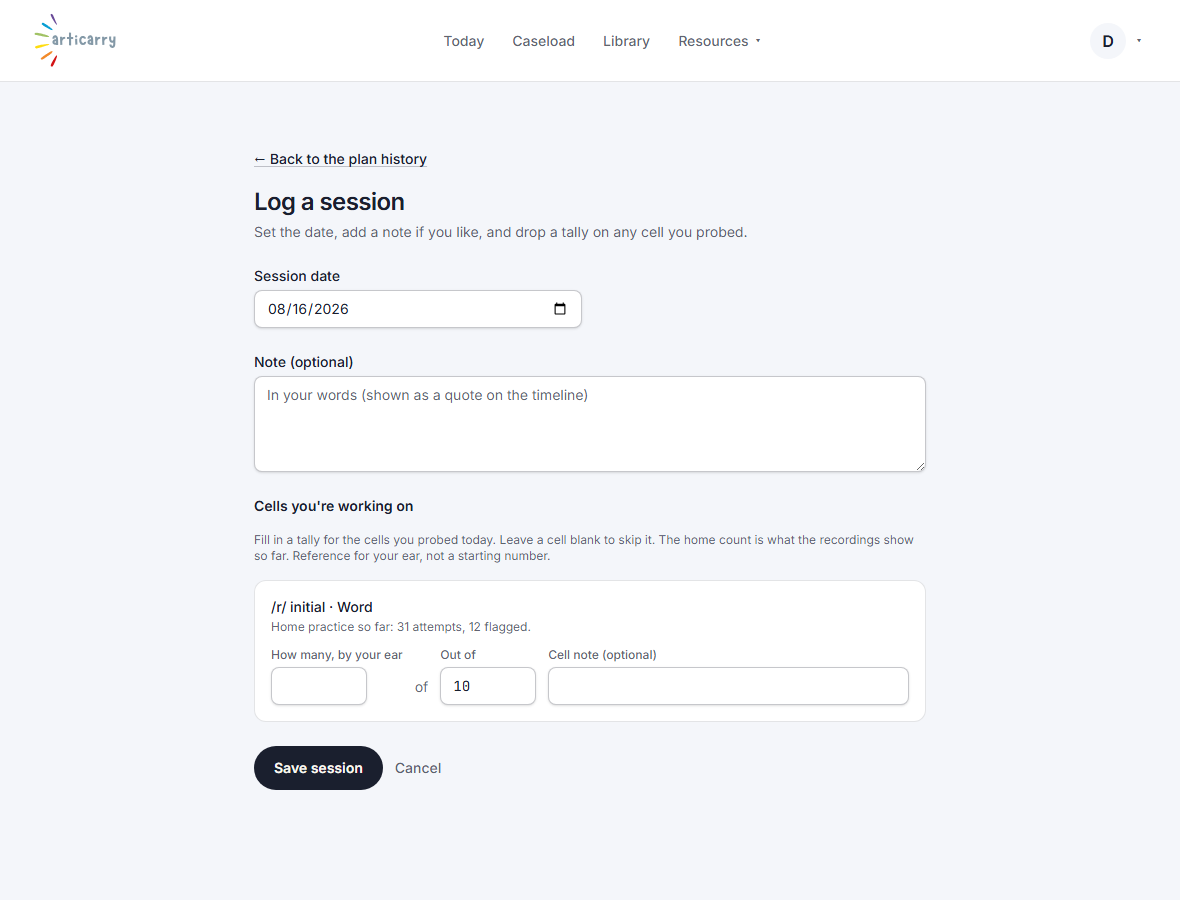
How to do it
Open a child's progress view and choose “Log a session.” Enter the date and, for any cell you probed, your own count.