Your account and password
Signing in, resetting a password you have forgotten, and closing your account.
You sign in with your email and password. Your email is not case sensitive, so it does not matter how your phone capitalized it.
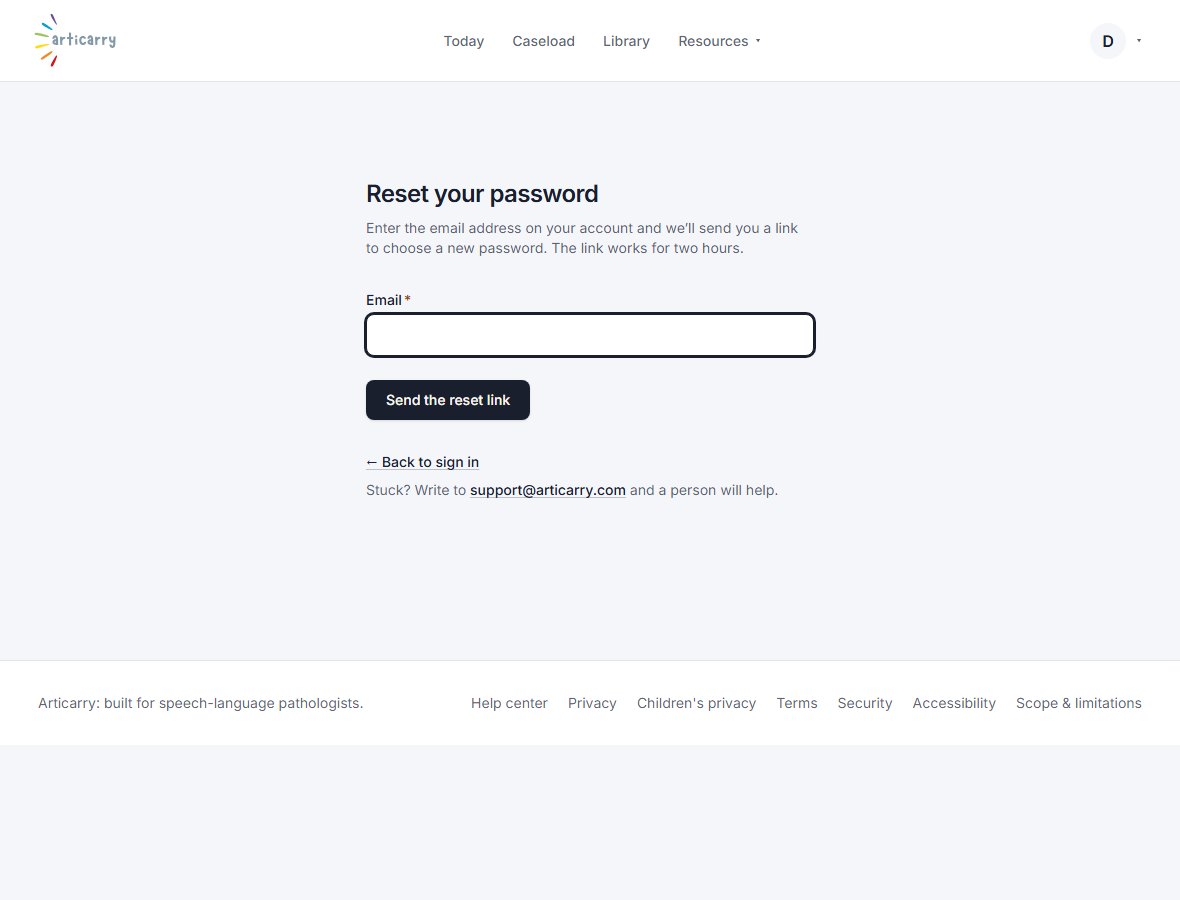
If you have forgotten your password, open Forgot your password on the sign-in page and we will email you a link to choose a new one. The link works for two hours and can be used once.
You can close your clinician account at any time. Closing your account does not delete a family's data; each family controls their own.
Step by step
-
Locked out? Open Forgot your password on the sign-in page.
Enter the address on your account and we send a link to choose a new password.
-
Open the link in the email and pick a new password.
Setting a new password signs you out on any other devices, which is what you want if you are resetting because something looked wrong.
Good to know
- Nothing arrived? Check your spam folder, and make sure you used the address the account was set up with. A guardian's account uses the address their invite was sent to.
- To change the email on your account, write to us and we will update it.