Get started: your first child, end to end
The whole first run in one place: sign in, add a child, send the family their link, and watch the first at-home practice arrive.
If you have five minutes and have never used Articarry before, this is the page to read. It walks the entire loop once, so you know what happens and in what order before you touch anything.
There are two people in the loop: you, and the child's parent or guardian. You build the plan and send an invite. The family opens the invite, gives consent, and hands the child the device to practice. Everything a child records comes back to you.
You do not need to install anything, and neither does the family. Articarry runs in a web browser on a phone, a tablet, or a computer.
Step by step
-
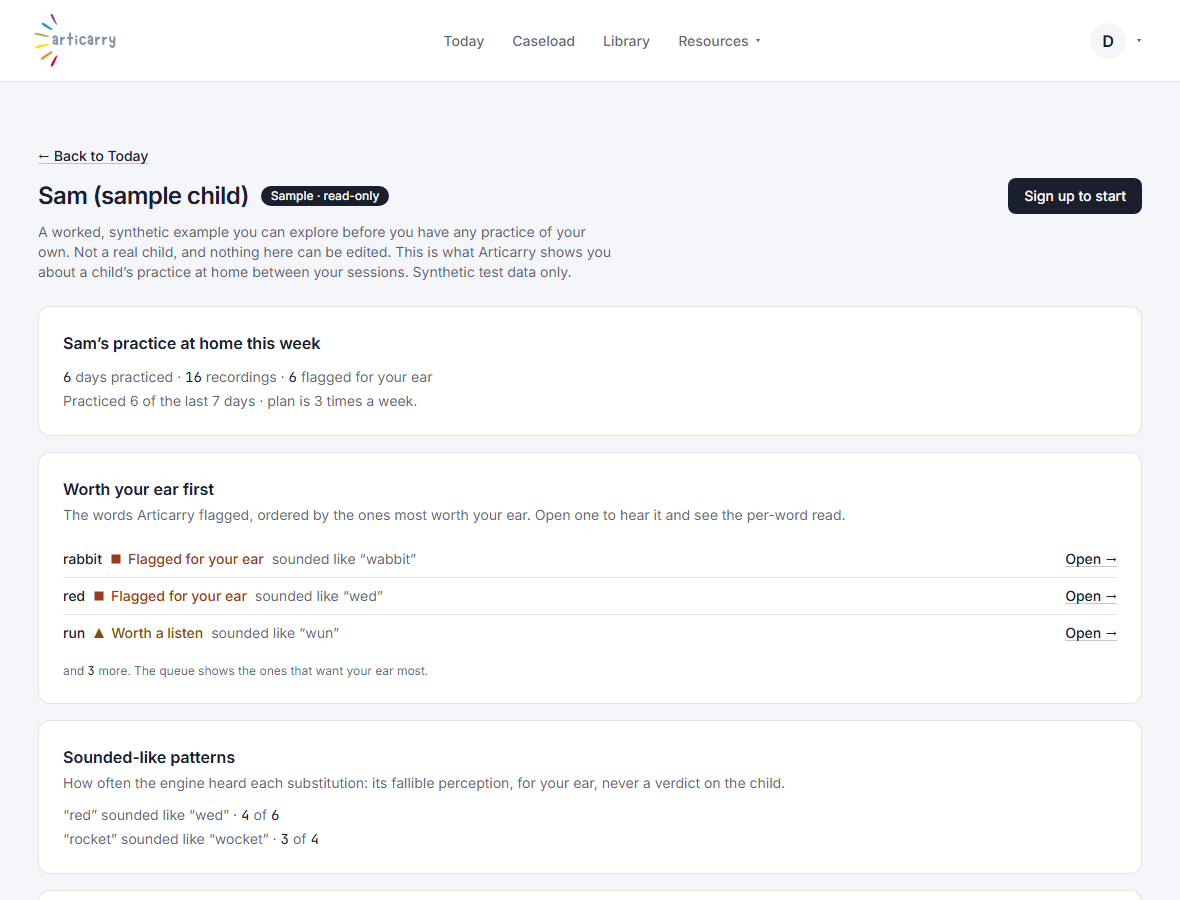
Want to look before you leap? Open the sample child.
It is read-only synthetic data: a real brief, a listening queue, and a plan, safe to click around with no setup.
-
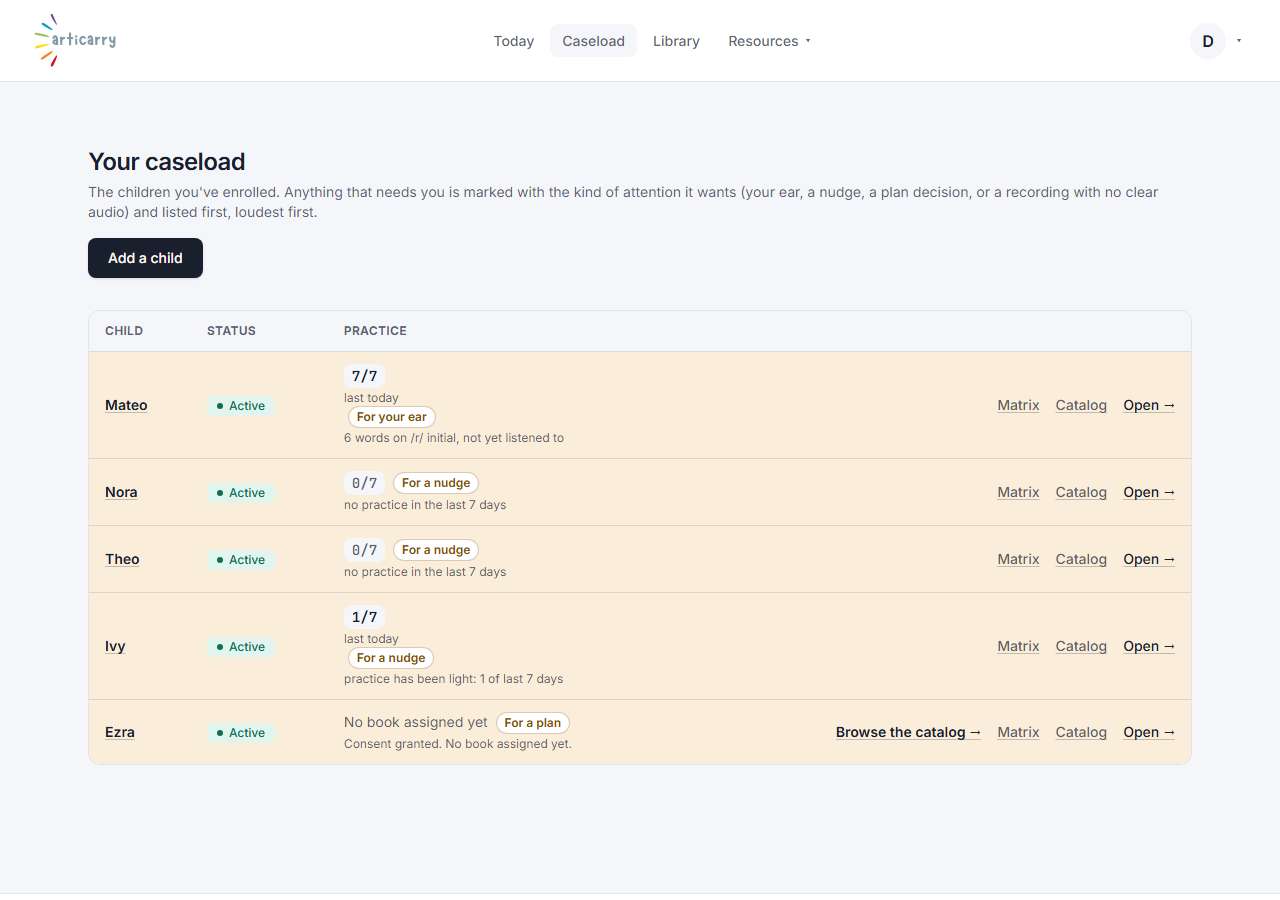
Sign in. Your landing page is Today, and the caseload is one click away.
When your caseload is empty, both pages offer to add your first child.
-
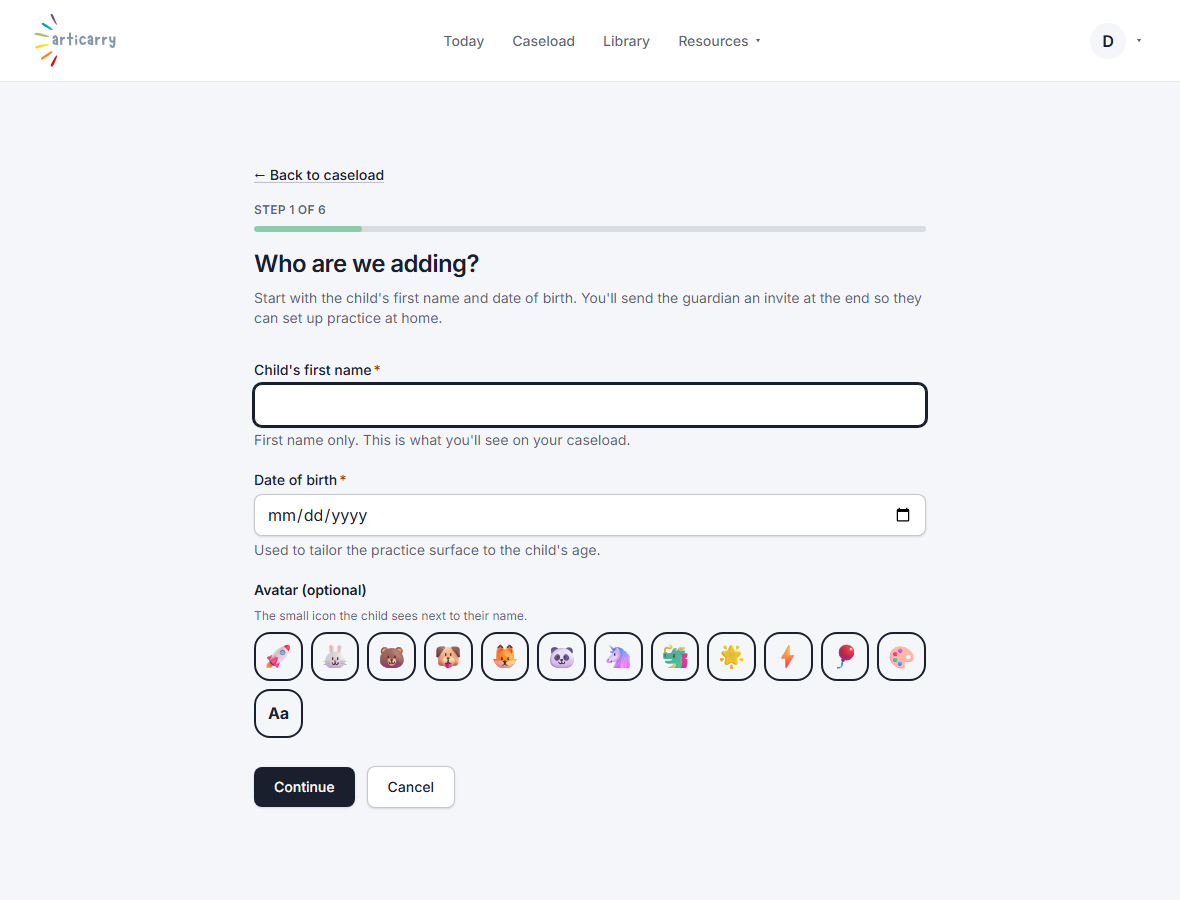
Choose Add a child and walk the short steps: the child, their sounds, your approach, the plan.
Most of the plan can come from a pre-defined journey template, so it is a few clicks; or build it yourself.
-
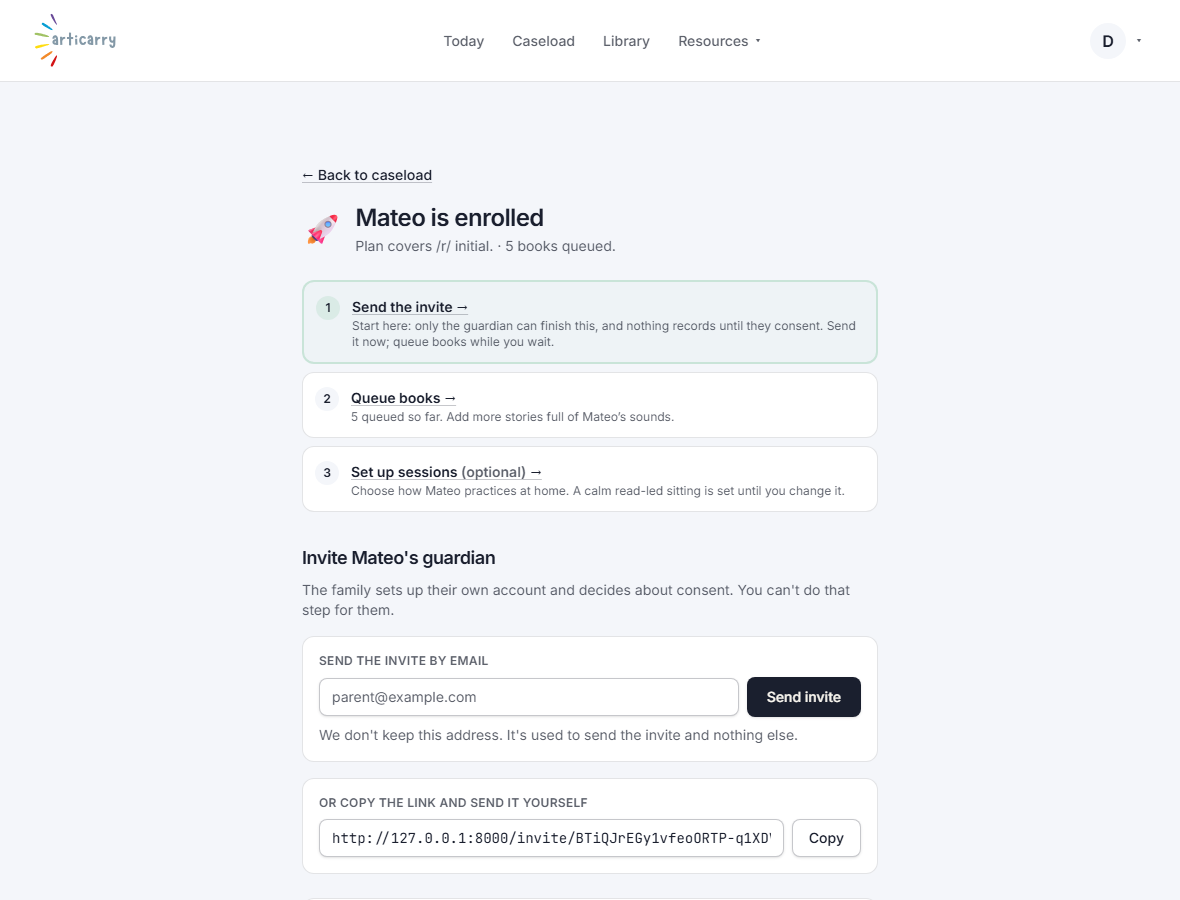
On the last step, Articarry gives you an invite link. Send it to the family.
See the Invite a family topic for exactly what they receive and how to resend it.
-
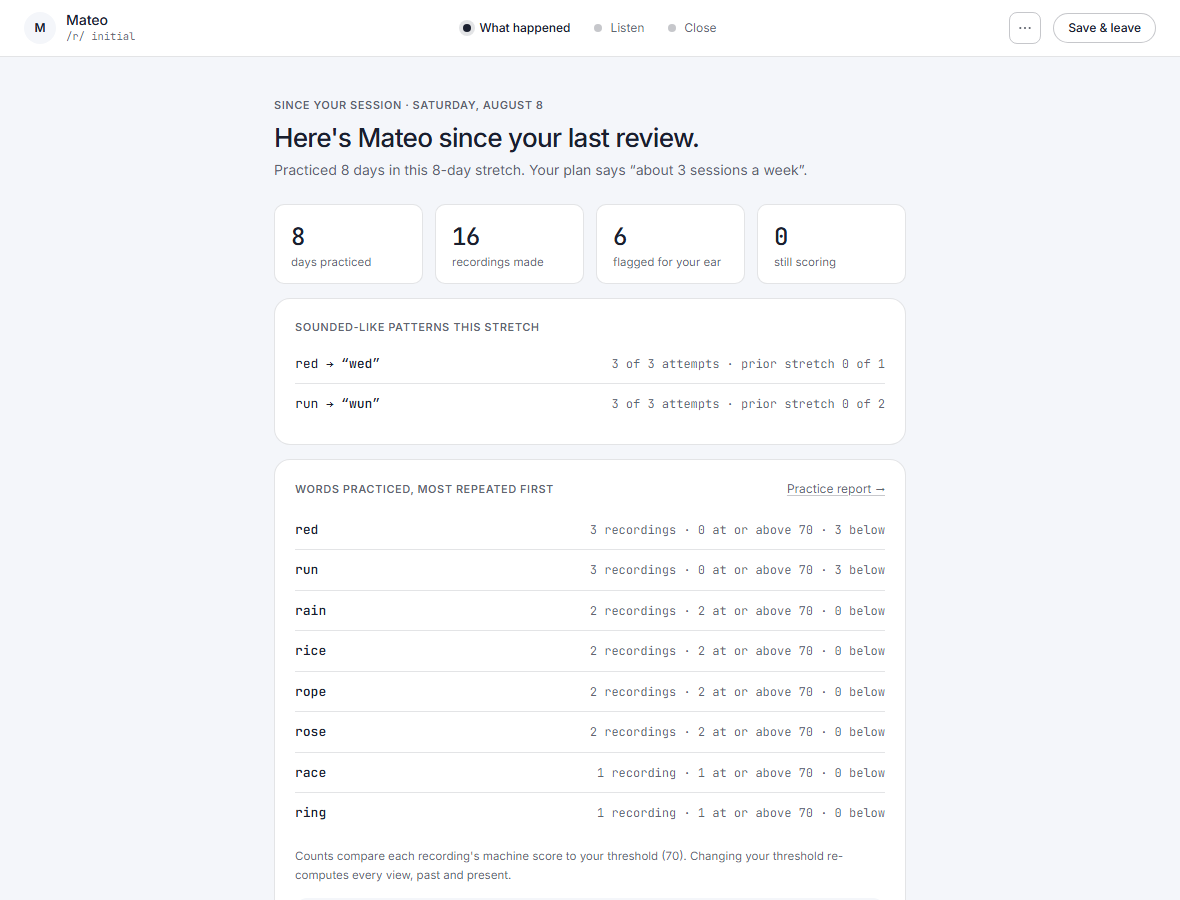
Once the child practices at home, open them from Today: the brief shows what changed.
The words worth your ear are queued up to play. That is the whole loop.
Good to know
- Nothing reaches the child until the family has read what Articarry does and given consent. That gate is enforced on the server, not just in the browser.
- The last step needs the family to open the link and the child to practice at home. To see the same brief instantly, use the sample child, with no real family involved.
- Each caseload belongs to one clinician. There is not a shared team caseload yet.