Send your clinician a quick note
Tell the clinician something they cannot see from the recordings, in one tap from your home screen.
The clinician can already see the practice that happened and every recording your child made. What they cannot see is how it went for you: whether practice was a struggle to start, whether a word upset your child, whether something at home changed.
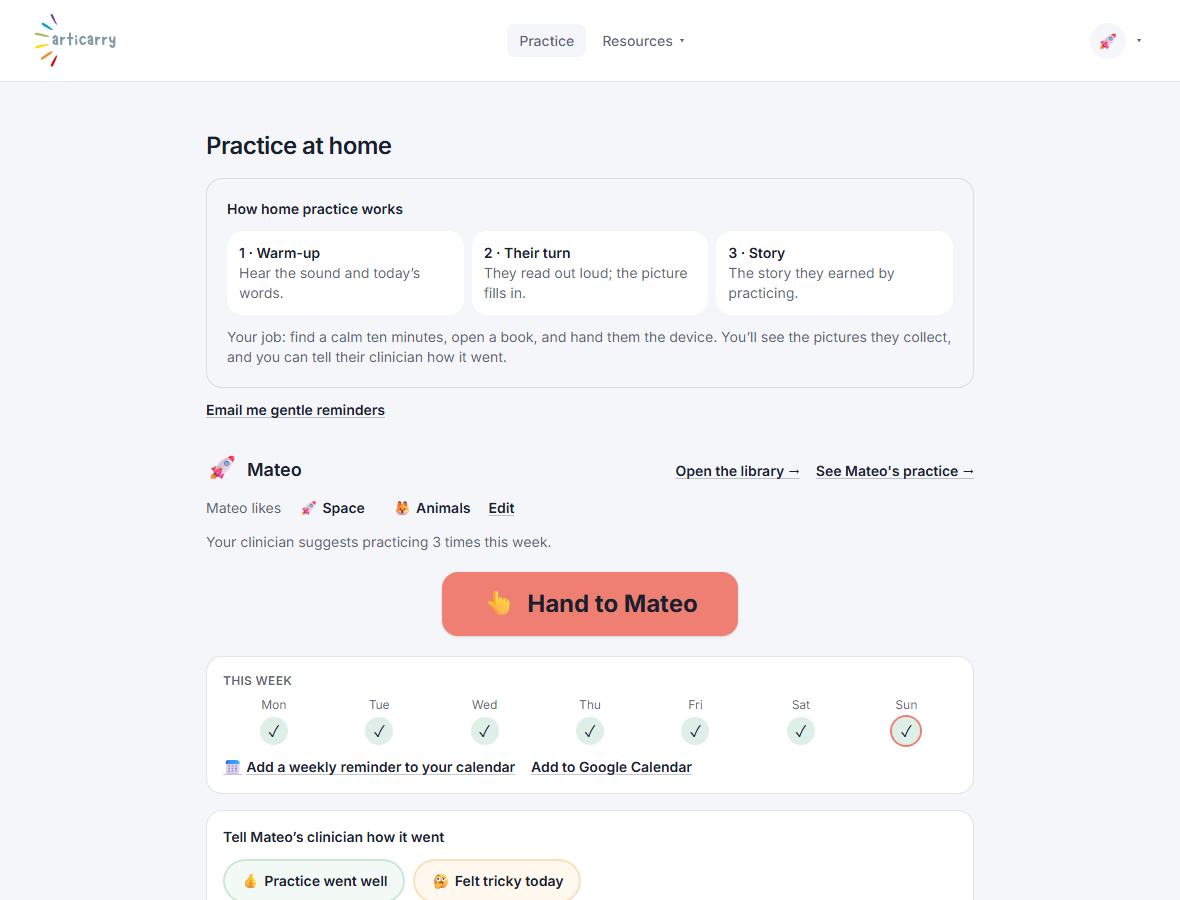
That is exactly what the quick note is for. From your home screen you can send a short message that lands in the clinician's own view of your child, alongside the practice.
You do not need to report on how the words sounded. That is on the page for the clinician already. Save your note for the things a recording cannot show.
Step by step
-
On your home screen, use the quick note to tell the clinician how practice went.
It shows up in your clinician's own view of your child, so she sees it next to the practice.
Good to know
- If practice slipped, say so plainly. A clinician would far rather know a week was hard than be surprised by quiet.
- For a question about what your child's speech means, ask the clinician directly. That is theirs to answer.