When practice will not record
The three usual reasons a recording will not start, and the one-tap way past each. Practice is never a dead end.
Almost every recording problem is one of three things: the browser has not been given permission to use the microphone, the browser is an old one that cannot record, or a single upload did not go through. Articarry is built to speak up and offer a way forward in each case, rather than freezing.
The most common one is microphone permission. The first time a child taps to say a word, the browser asks whether Articarry can use the microphone. Choose Allow. If it was blocked by accident, you can turn it back on in the browser's site settings.
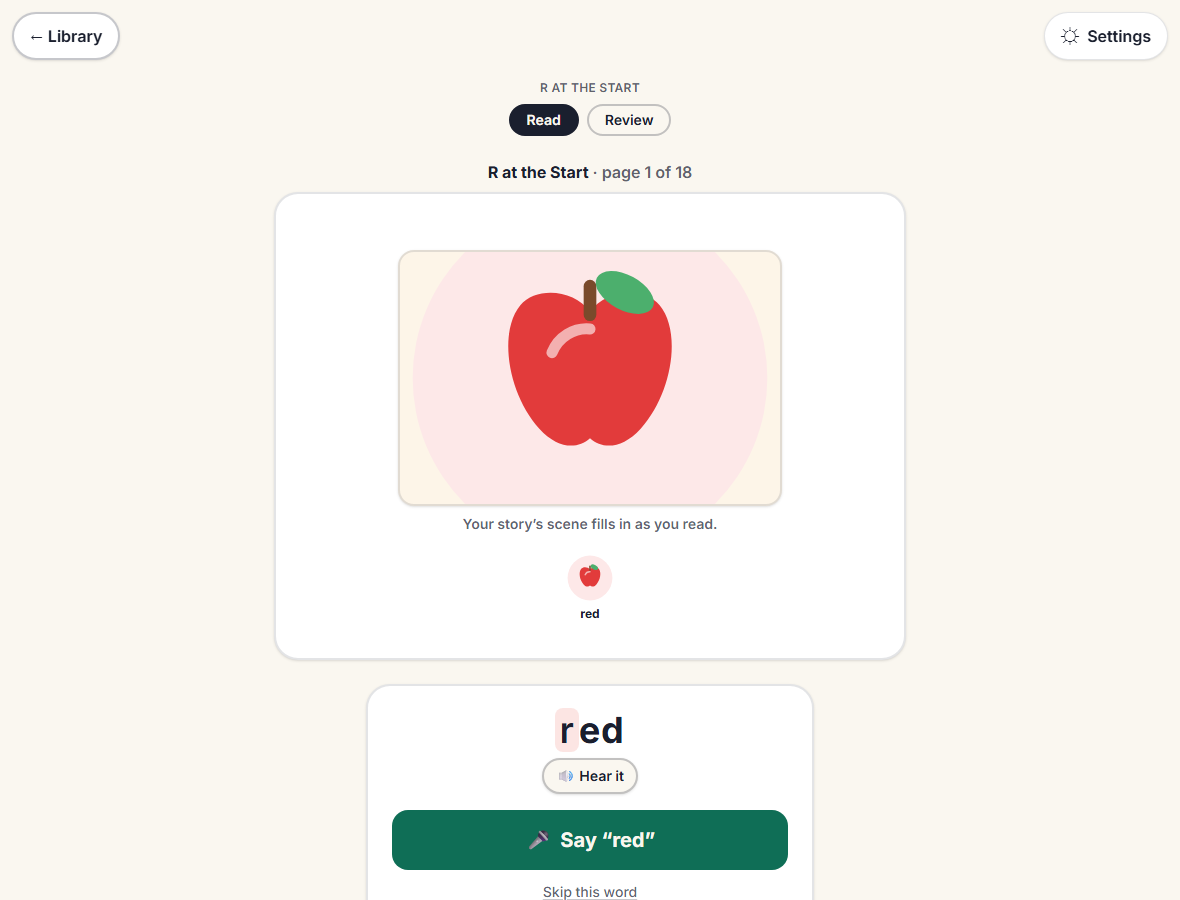
If a word will not record at all, the child can always Skip it and keep going. A skipped word is not a failure; the sitting continues and nothing is lost.
Step by step
-
If the browser asks to use the microphone, choose Allow.
Blocked it by mistake? Open the browser's site settings for Articarry and turn the microphone back on, then reload.
-
If a recording fails, the screen says so and offers Try again.
You can retry the same word, or use Skip to move on. Skip is always available.
-
Still stuck? Try a current browser (recent Chrome, Safari, Edge, or Firefox) on a device with a microphone.
A very old browser may not be able to record at all; Articarry will tell you if that is the case.
Good to know
- A dropped upload does not double-count or lose a recording. The child can simply carry on.
- There is no penalty for a skipped word. The clinician would rather have the practice continue than have a child stuck on one word.