Hand the device to your child
What happens after you tap the big button: what your child does, and why there is nothing for them to sign in to.
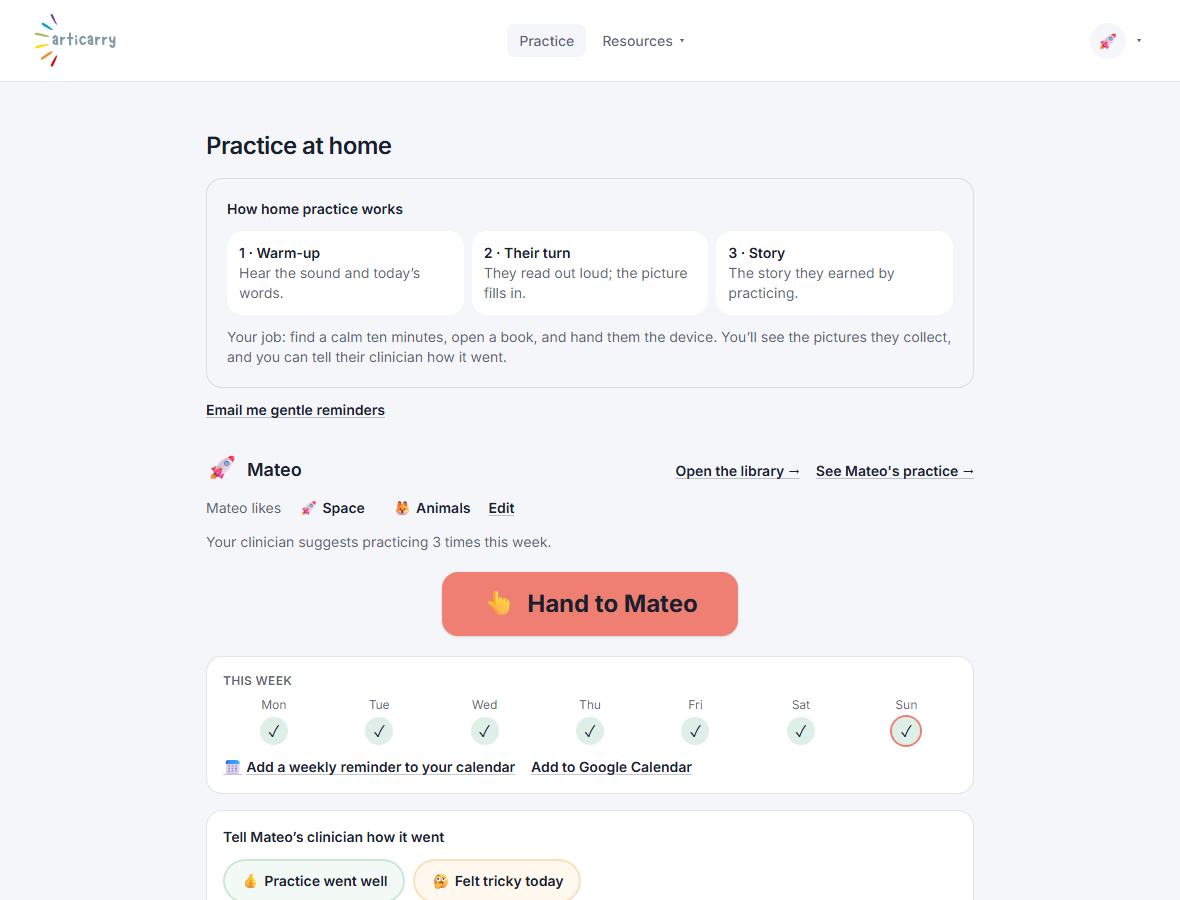
When you tap Hand to your child, the screen changes into your child's world: big cover art and one large Start button. All of the grown-up parts of the app go away.
Your child never signs in. There is no login, no password, and no account for a child. They are simply handed the device inside your session, so it is always safe.
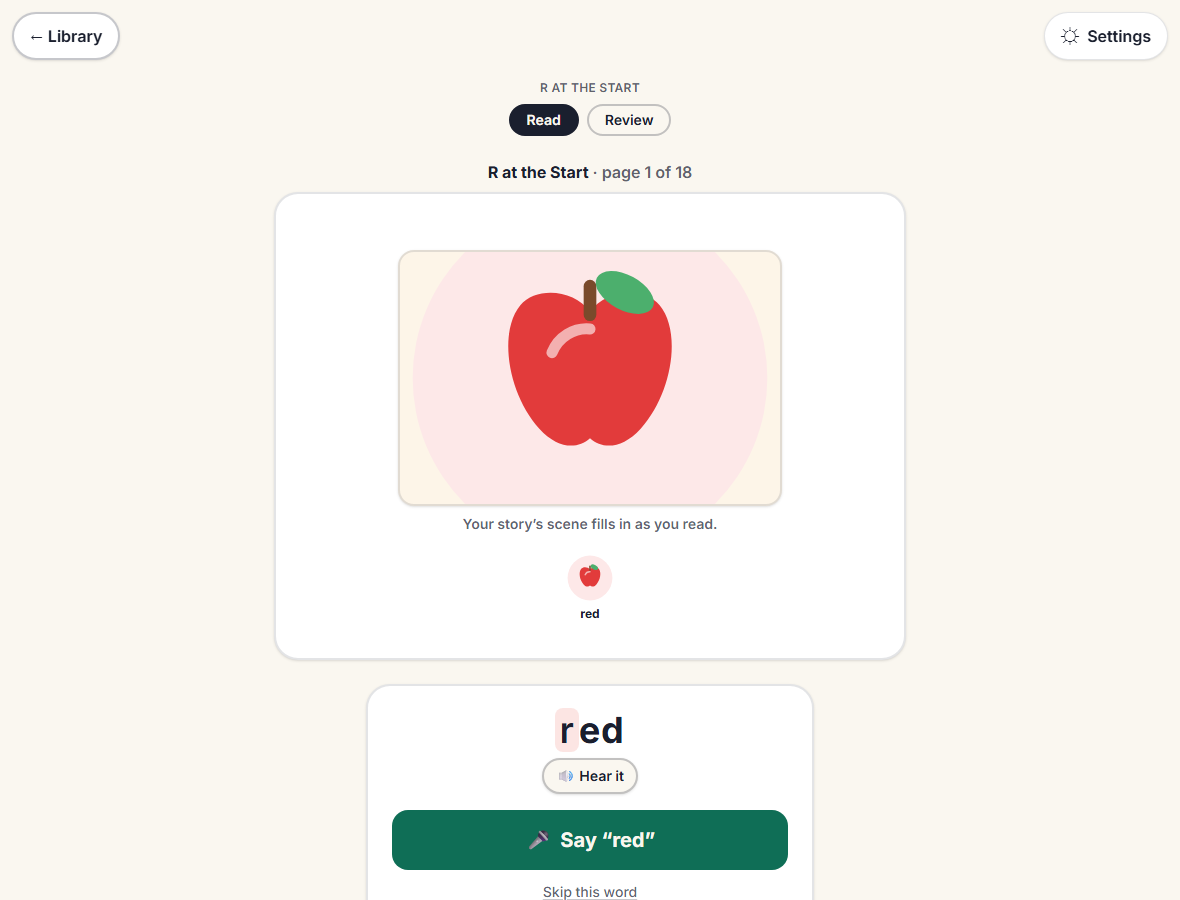
They read a short story page, then practice its couple of target words one at a time: tap to hear the word, tap once to say it. Saying a word builds a picture. When the words are done, the activity is done.
Step by step
-
Tap the big Hand to your child button.
This is the only setup step for you. Everything after is made for the child.
-
Your child reads a story page, then says each practice word, one at a time.
Each word is shown large, with a button to hear it first. There is no score, ever.
-
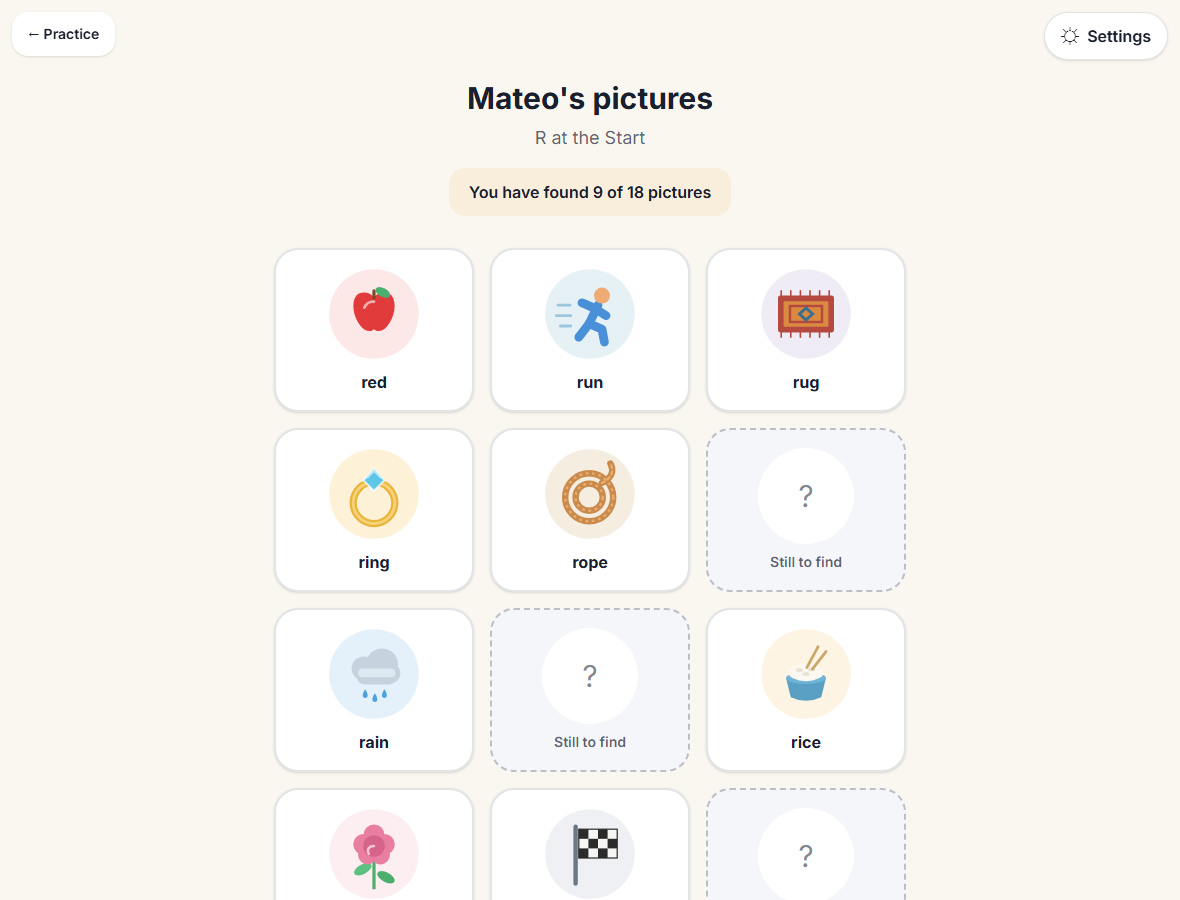
Every word they say adds a picture to their collection.
The reward is for practicing, not for how any word sounded.
Good to know
- Keep your own face calm and your praise about the effort: you practiced all your words, not a comment on how a word sounded.
- If a word is hard, let your child hear it again and move on. The clinician will listen to the tricky ones.
- If your child needs to stop partway, that is fine. Next time you can pick up where you left off, or start fresh.