You got an invite: set up in two minutes
Your clinician sent a link. Here is exactly what to tap, from the link to your child's first practice.
Your child's speech clinician has set up practice for you to do at home, and sent you a link. You do not need to find Articarry on your own or create an account first. The link is the whole door.
Opening the link takes about two minutes. You will read a short, plain explanation of what Articarry does with your child's practice, decide whether you are comfortable, and set a password so it is your account.
That is it. After that you hand the device to your child, and they do the practice.
Step by step
-
Open the link your clinician sent, on a phone, tablet, or computer.
It works in any web browser. There is nothing to download.
-
Read the plain explanation of what Articarry does, and give consent.
You are in control here. You can withdraw consent later and ask for recordings to be deleted, no reason needed.
-
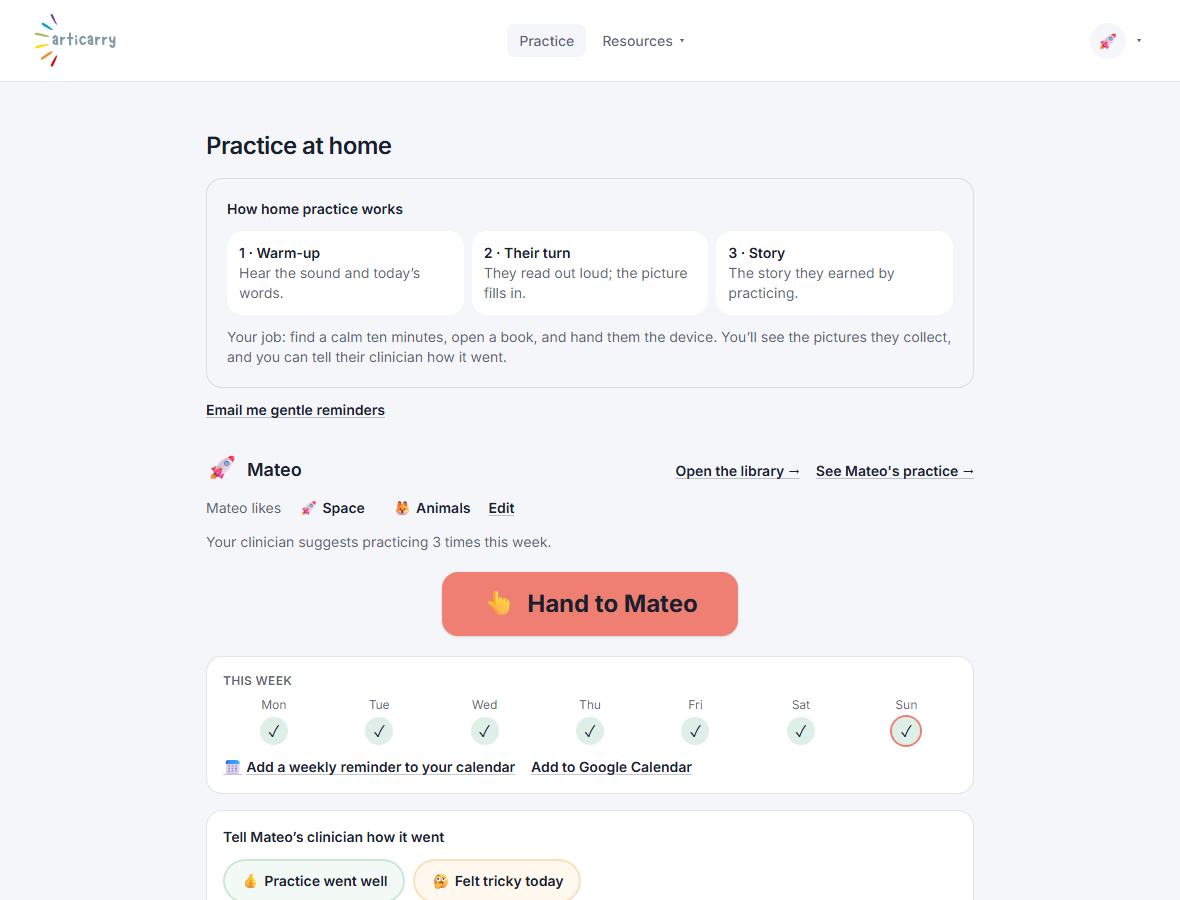
Set your password. You land on your home screen.
This is your calm home base: a big button to hand the device to your child, and their books.
-
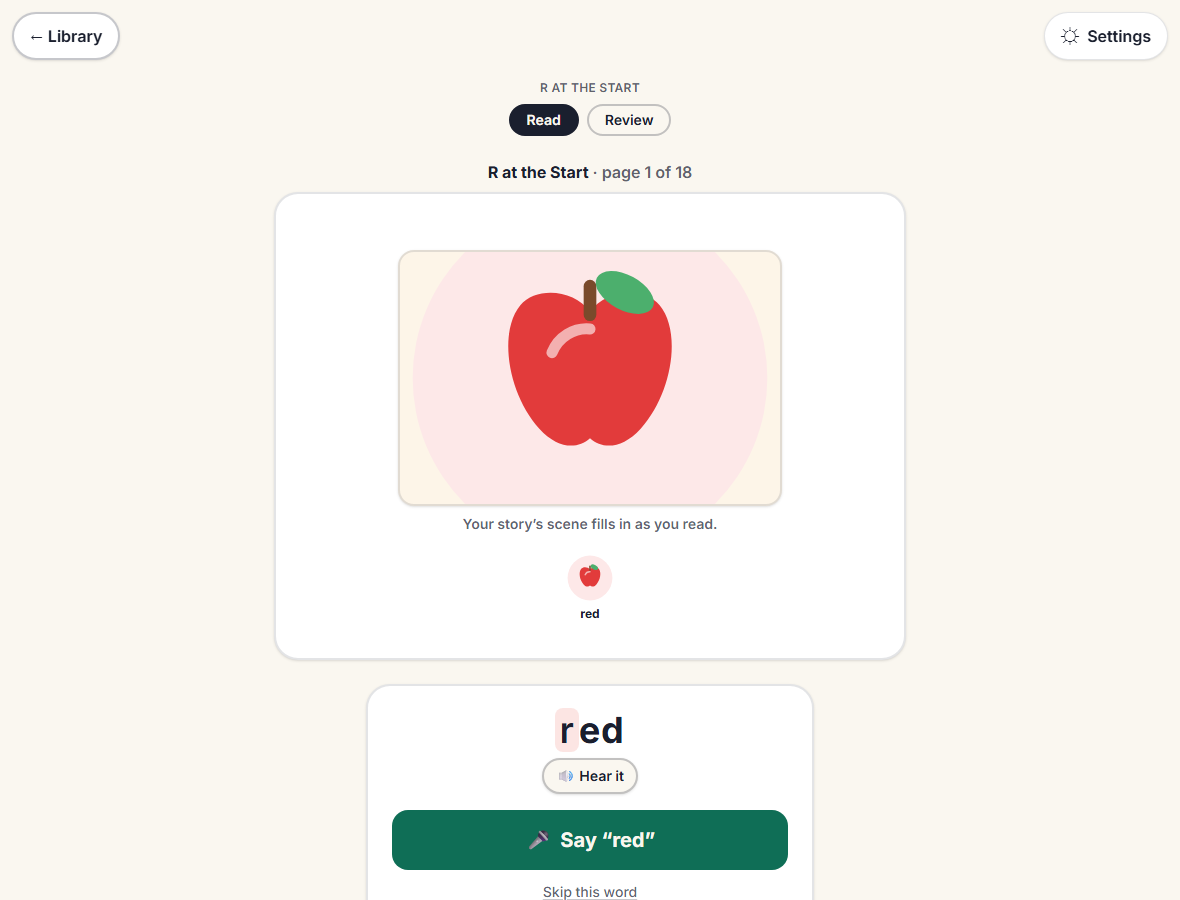
Tap Hand to your child and give them the device. They read a short story and practice a few words.
There is no score and nothing for the child to sign in to. See Hand the device to your child.
Good to know
- The link is private to your child. Keep it to yourself.
- If the link does not work, ask your clinician to send it again.